
To delete a supplement plan, go to Library > Supplement Plans and click the action menu for the plan you want to remove. Select Delete and confirm the action when prompted.
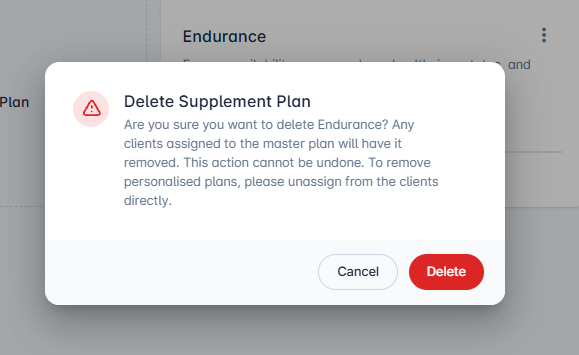

Clients assigned to the master plan will be automatically unassigned. However, personalised plans must be removed manually from each client's profile.
How do I unassign a supplement plan?
Remove a supplement plan from a client