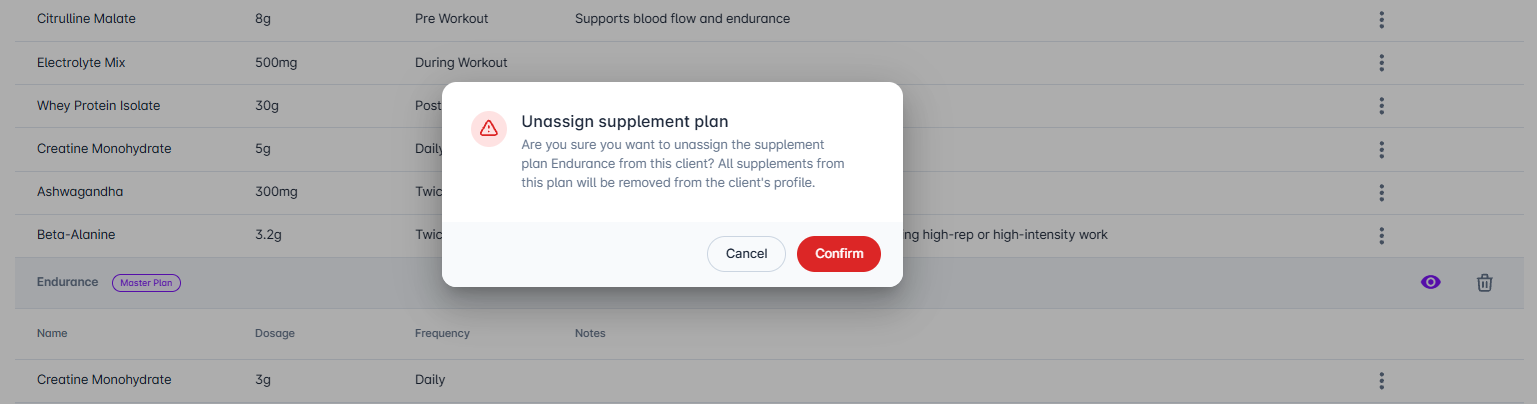
Remove a personalised or master plan: To remove any plan from a client, go to Client > Supplements and click the Delete button for the plan you want to remove.

You'll be asked to confirm this action.

This is the only way to remove a personalised plan - personalised plans cannot be deleted from the template directly.
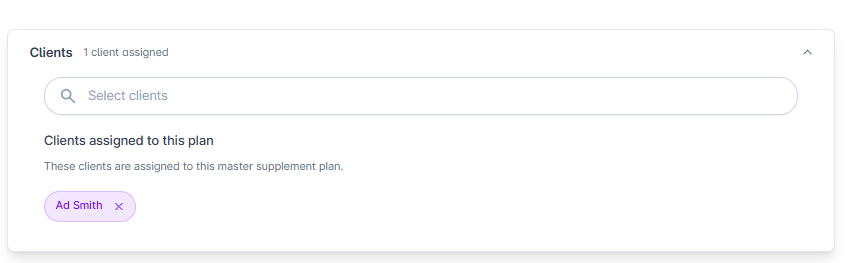
Remove clients from a master plan only: Go to Library > Supplement Plans and select the plan. Click the x button next to each client's name you want to remove, then click Save to unassign them. You can remove multiple clients at once this way.