
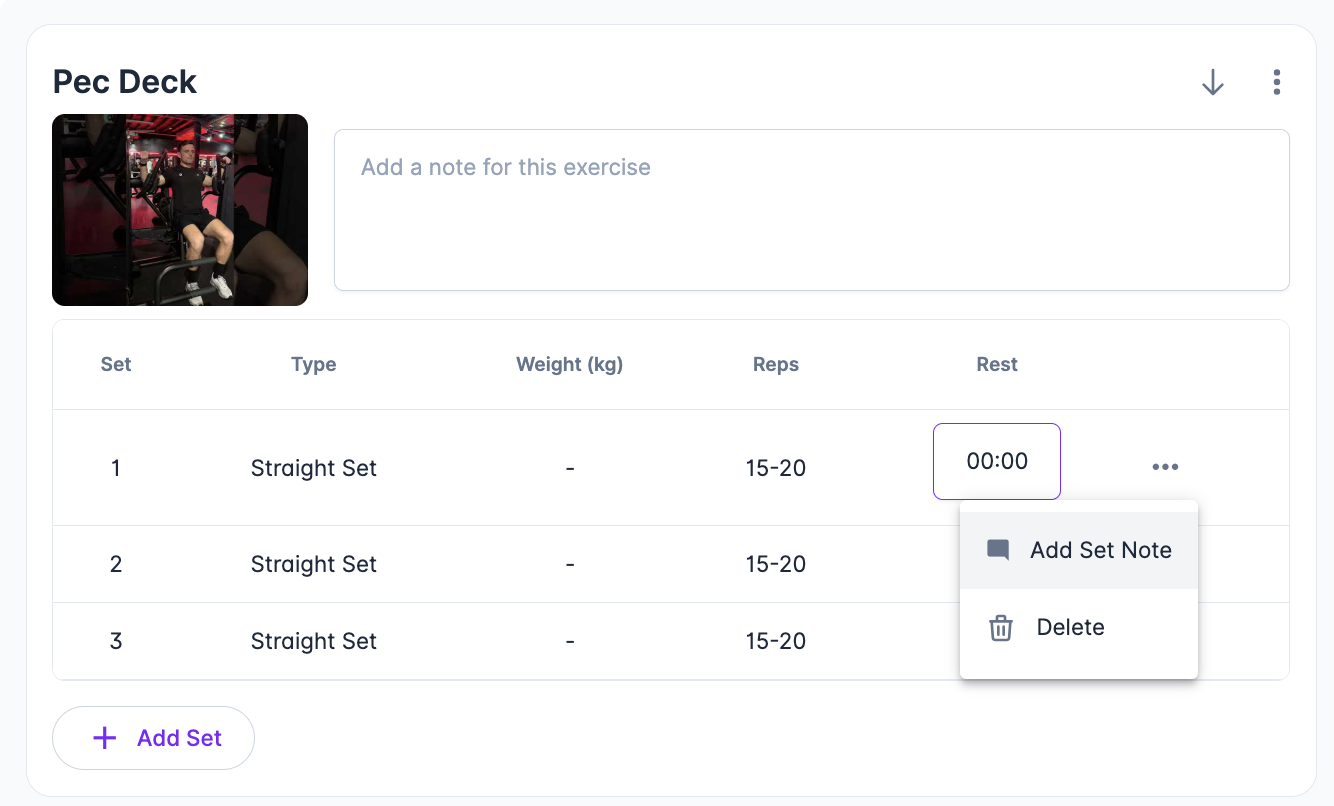
To add set notes to an exercise simply select the menu icon on the end of each set row and select “Add set note”.
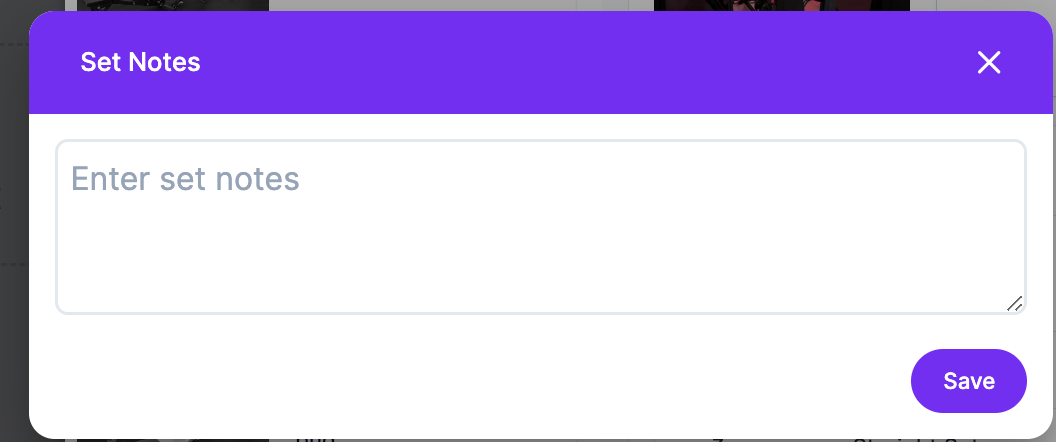
A modal will appear allowing you to add notes.
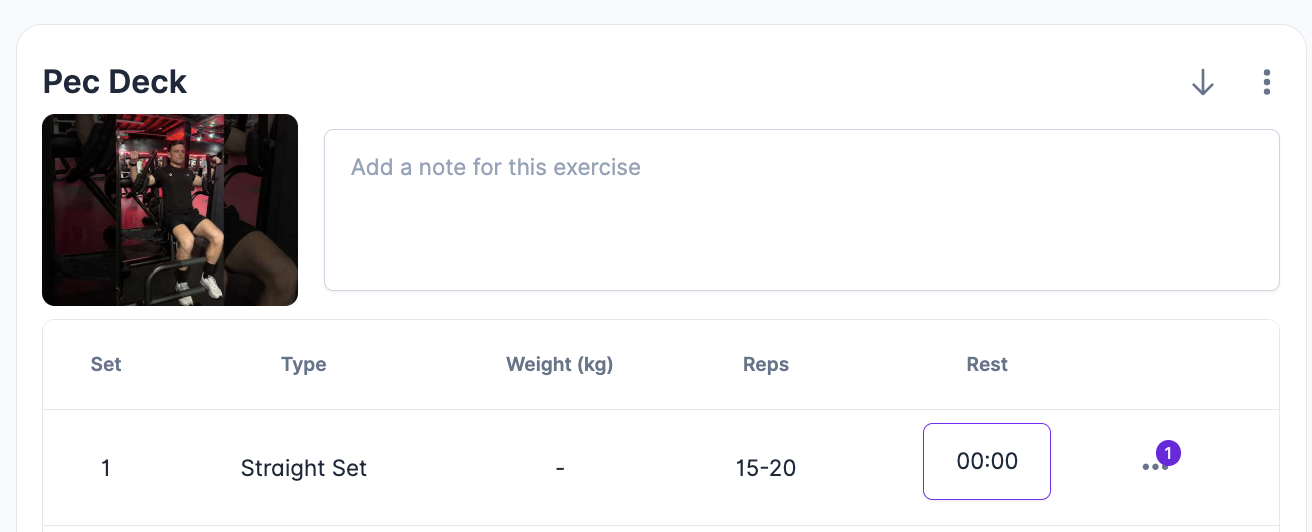
Once added, an icon will appear next to the menu indicating that notes are present.
To add set notes to an exercise simply select the menu icon on the end of each set row and select “Add set note”.
A modal will appear allowing you to add notes.
Once added, an icon will appear next to the menu indicating that notes are present.