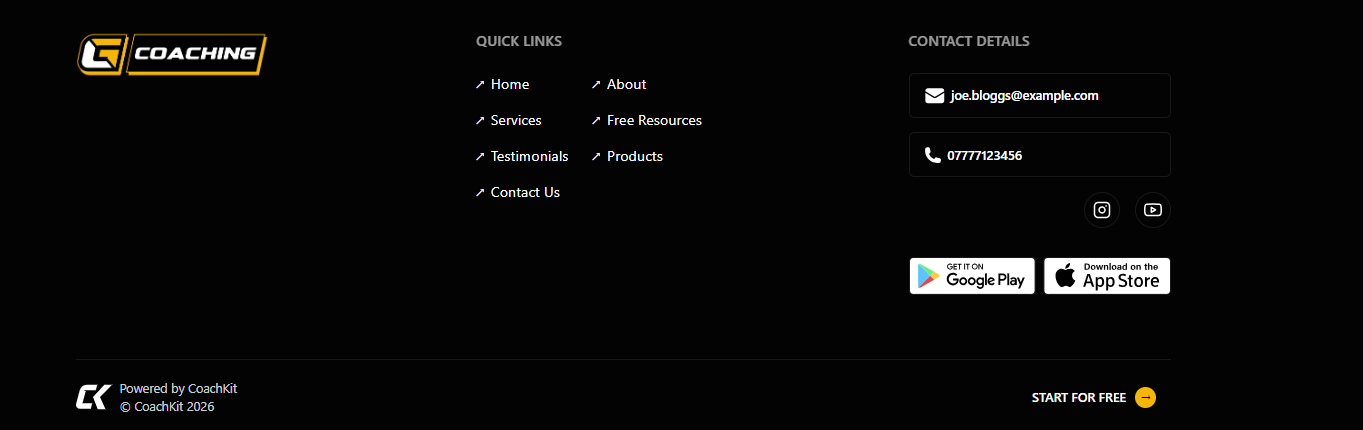
Your footer appears at the bottom of your storefront and includes key information about your business.
What’s Included
Logo
App links (if set in Branding)
Business Information
Email (required)
Phone number (required)
Business address
Social Media Links (Optional)
Facebook
Instagram
YouTube
LinkedIn
Make sure your contact details are accurate so people can easily reach you.
This is how a completed footer section will appear: