This is where you set up your main business details and visual style.
What you’ll set here:
Website name
Subdomain (your website link)
Background style
Logo
Favicon (optional)
Primary colour
Secondary colour
This is usually your business name.
Appears in the browser tab
Max 50 characters
Required
Below is an example of how this will appear:

This is your website link that you share with clients.
Format: yourname.coachkit.co.uk
Required

If the URL is already taken, you’ll see an error. Just try a different one.

Choose your site’s main background:
Light
Dark

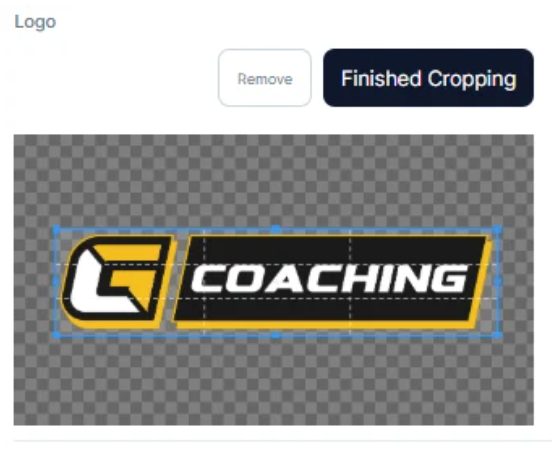
Your logo appears in the header and footer.
Steps:
Upload your image
Crop it if needed
Click Finished Cropping
Required
This is the small icon shown in the browser tab.
Don’t worry if you don’t have one yet - you can skip this.

Used for:
Buttons
Links
Key highlights
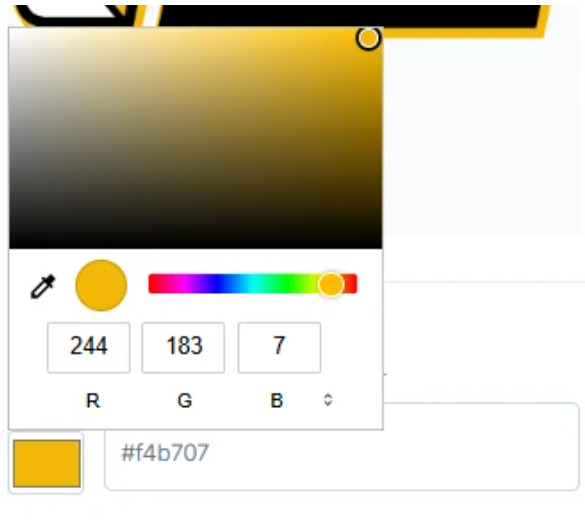
You can:
Enter a hex code, or
Use the colour picker
Used for:
Secondary buttons
Borders
Supporting elements