
Set Up Your Storefront
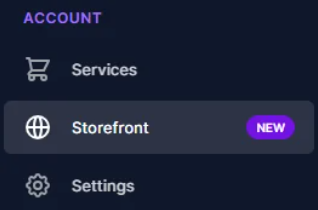
You can find your storefront by going to:
Account → Storefront
How the Storefront Editor Works
When you open the editor, you’ll see two areas:
Left side: where you make changes
Right side: live preview of your storefront
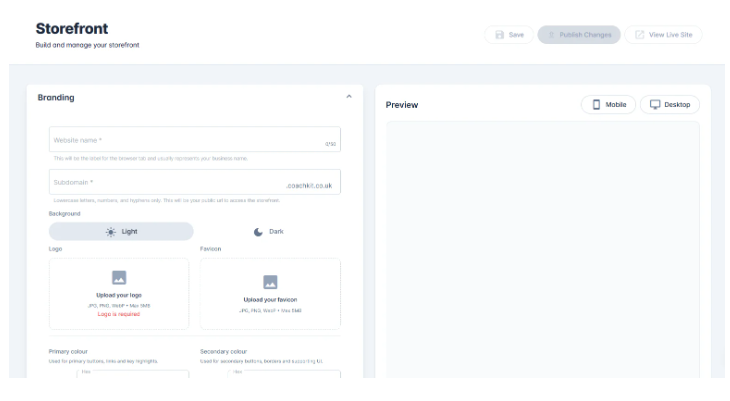
As you update and save, the preview will refresh automatically.
You can also switch between:
Desktop view
Mobile view

Before you start
Keep these key points in mind:
Some fields and images are required (they’ll be clearly marked)
You must have at least one section
You can’t save if the required fields are missing
Your changes won’t go live until you click Publish Changes