
Supplement plans save you time by letting you create reusable templates for your clients. Make a change to the master plan, and it instantly updates for everyone assigned to it. You still have full flexibility to customise individual client plans when needed - like adjusting dosages.
To get started with supplement plans, click the Supplement Plans option under Library in the navigation panel.
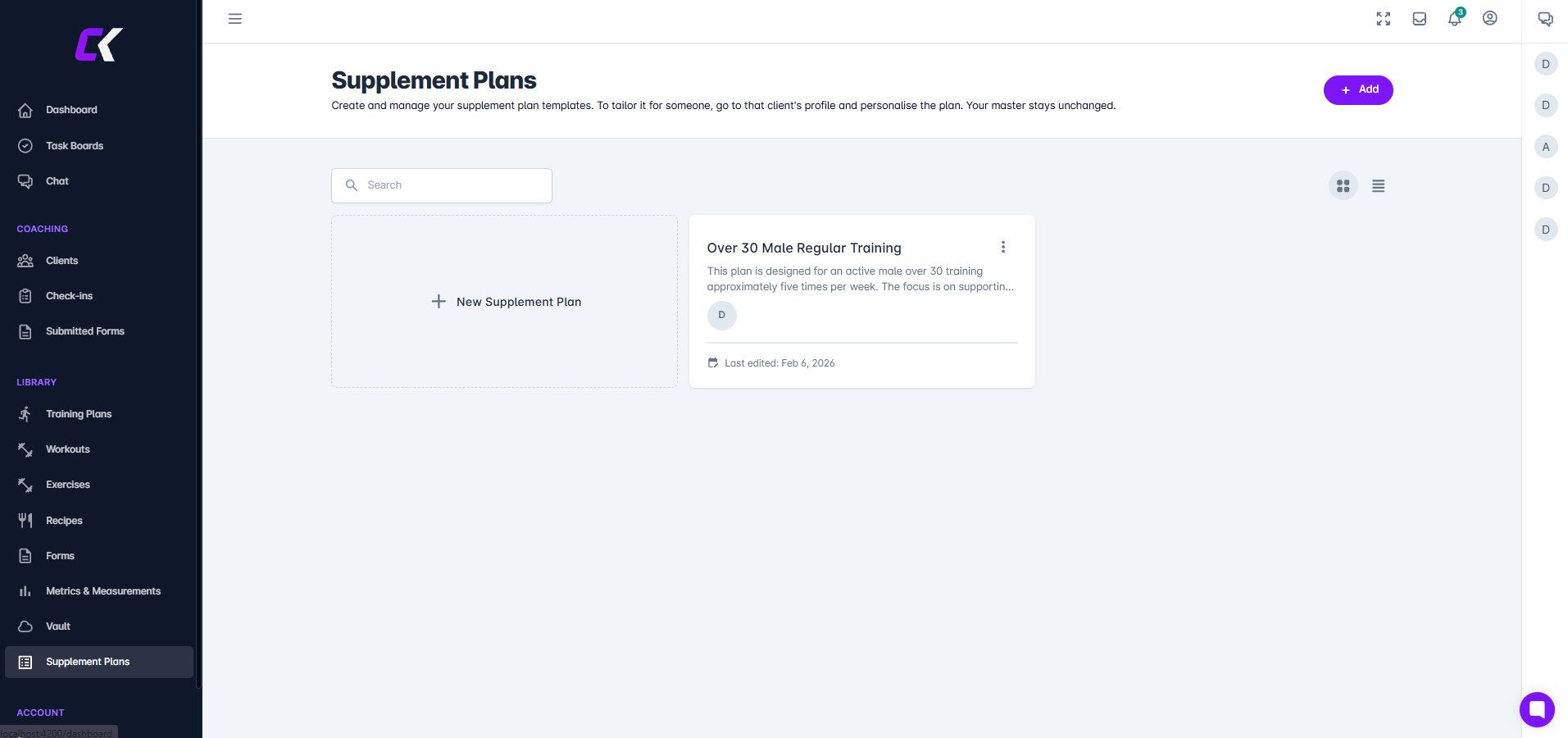
Click Add to open the supplement plan editor.
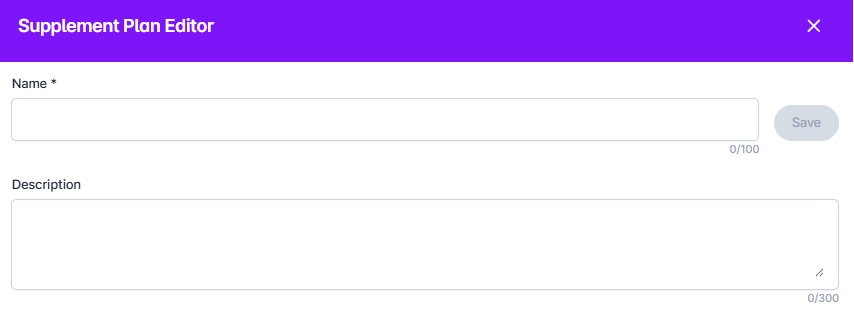
Enter the name of the plan (required) and description (optional)
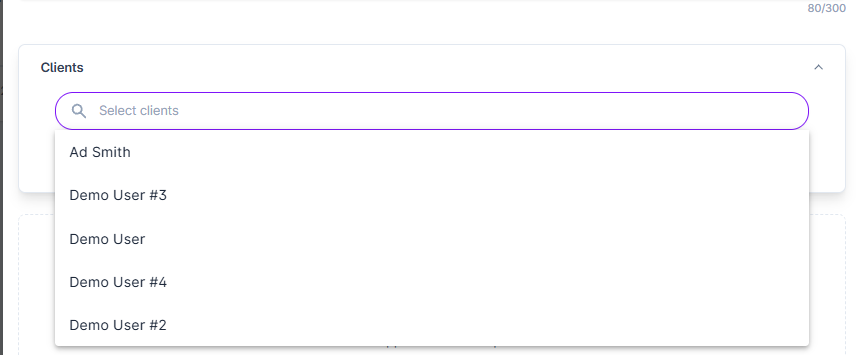
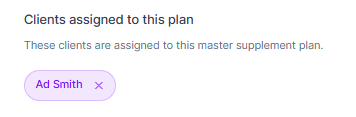
ou can assign clients when you first create the plan or add them later. (You can also assign supplement plans directly from a client's profile.) To assign a client, simply click on their name and they'll appear in the assigned list.
You can now Add Supplements to the plan.
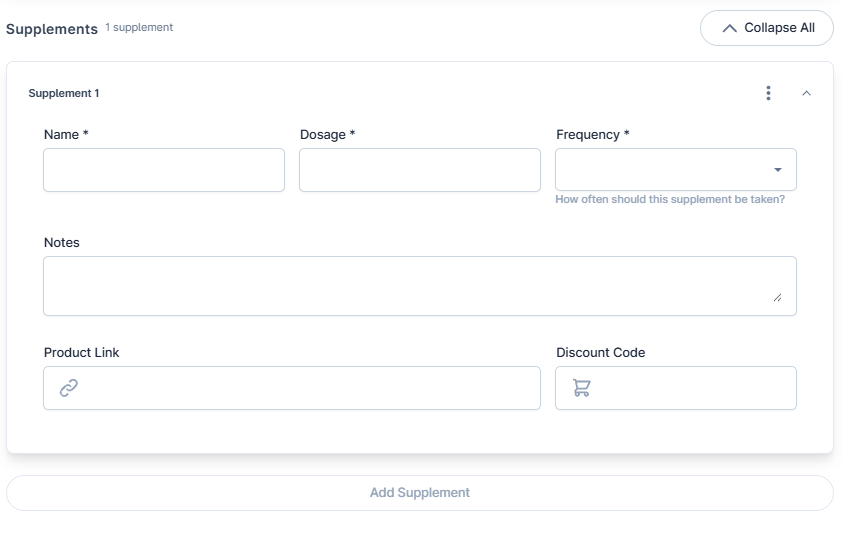
You will not be able to add more supplements until the required fields (Name, Dosage, Frequency) are populated. You can add as many supplements as required for the plan.
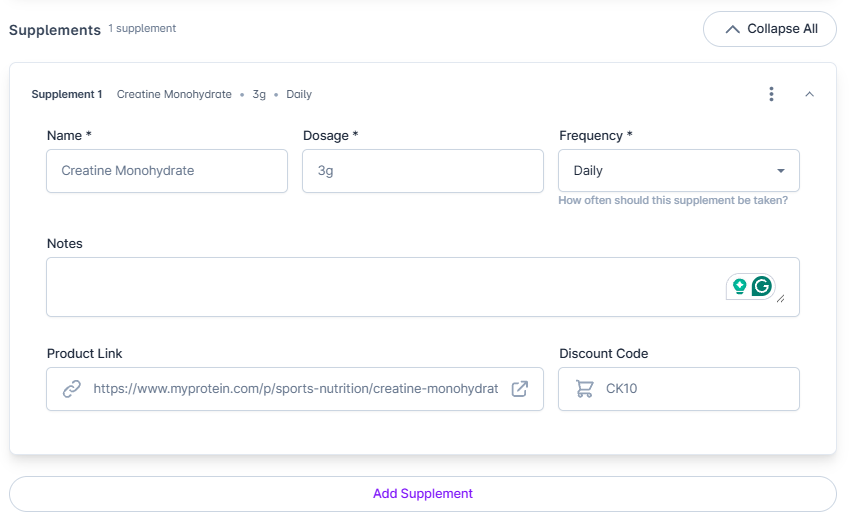
When you're ready, click Save to create the plan. If you've assigned clients, the plan will immediately appear in their supplements section, and they'll receive a notification about the assignment.