
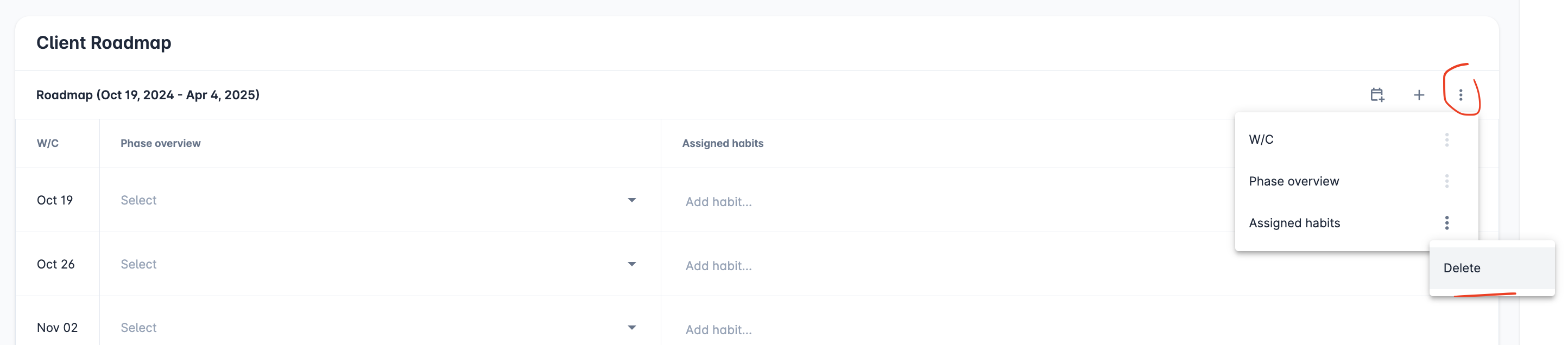
To delete a column on a roadmap, open the menu on the right-hand side of the roadmap.
Select the menu icon next to the column you want to remove, then choose Delete.
To delete a column on a roadmap, open the menu on the right-hand side of the roadmap.
Select the menu icon next to the column you want to remove, then choose Delete.