To connect CoachKit with Cliniko, you'll need to generate an API key in your Cliniko account. You can follow Cliniko’s official guide here:
🔗 Generate a Cliniko API Key
Once you’ve created your API key, head over to your CoachKit account and navigate to:
Settings → Integrations → Toggle on Cliniko → Paste in your API key
Note: Once saved, the API key is securely stored and cannot be viewed again.
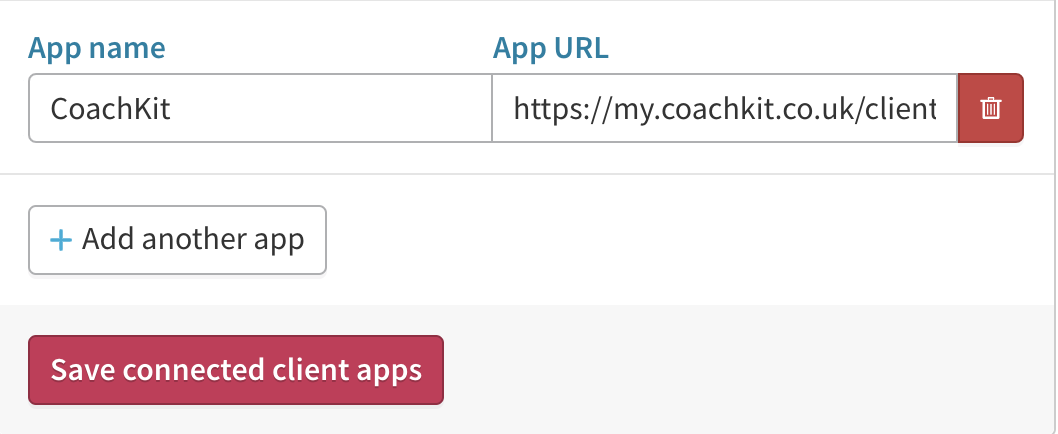
Next, you’ll need to add CoachKit as a custom button inside Cliniko. Follow these steps provided by Cliniko:
🔗 Cliniko Custom Patient Button Guide
When prompted for the URL, use the following:
🌐 https://my.coachkit.co.uk/clients/cliniko