
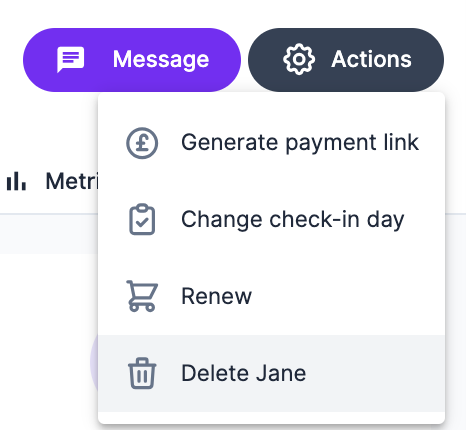
To remove a client, go to their profile, click Actions, and select Delete.
A confirmation modal will appear for you to confirm.
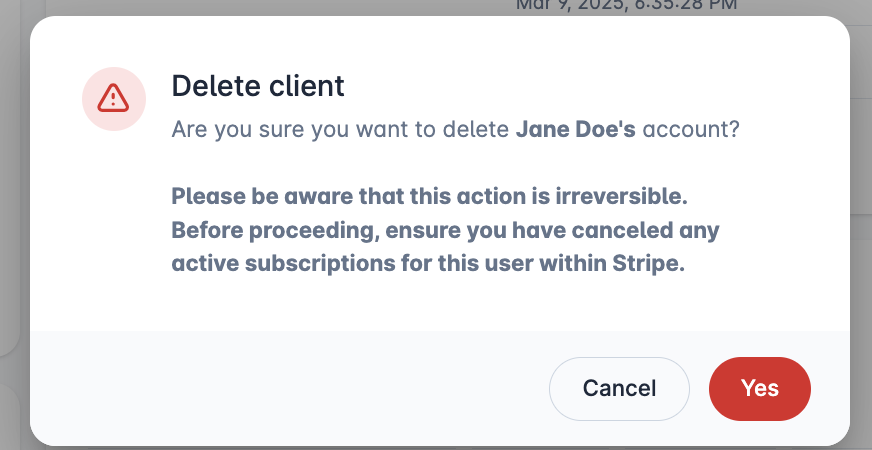
Click yes and the client will be removed along with all their data.
Please be aware that this action is irreversible. Any active Stripe subscriptions will need to be cancelled in Stripe.