
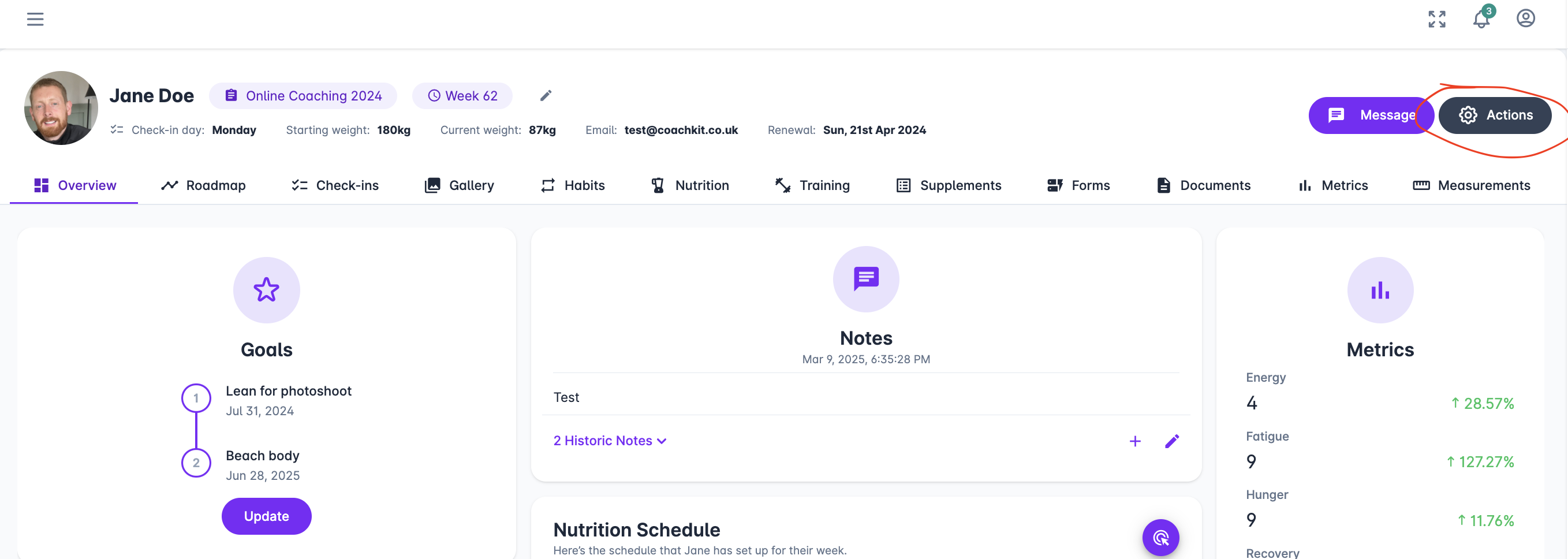
To renew a client, navigate to their profile Clients > Select client > Select Actions.
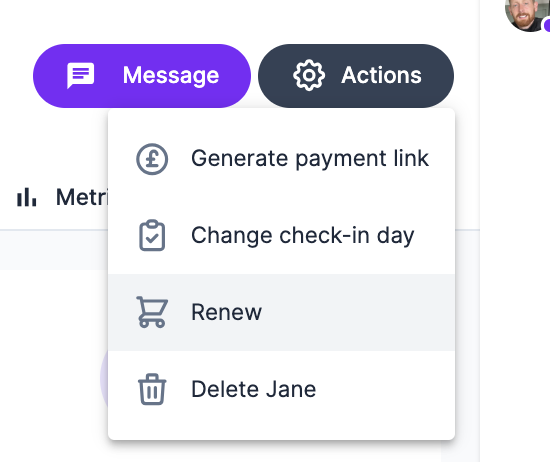
Select Renew.
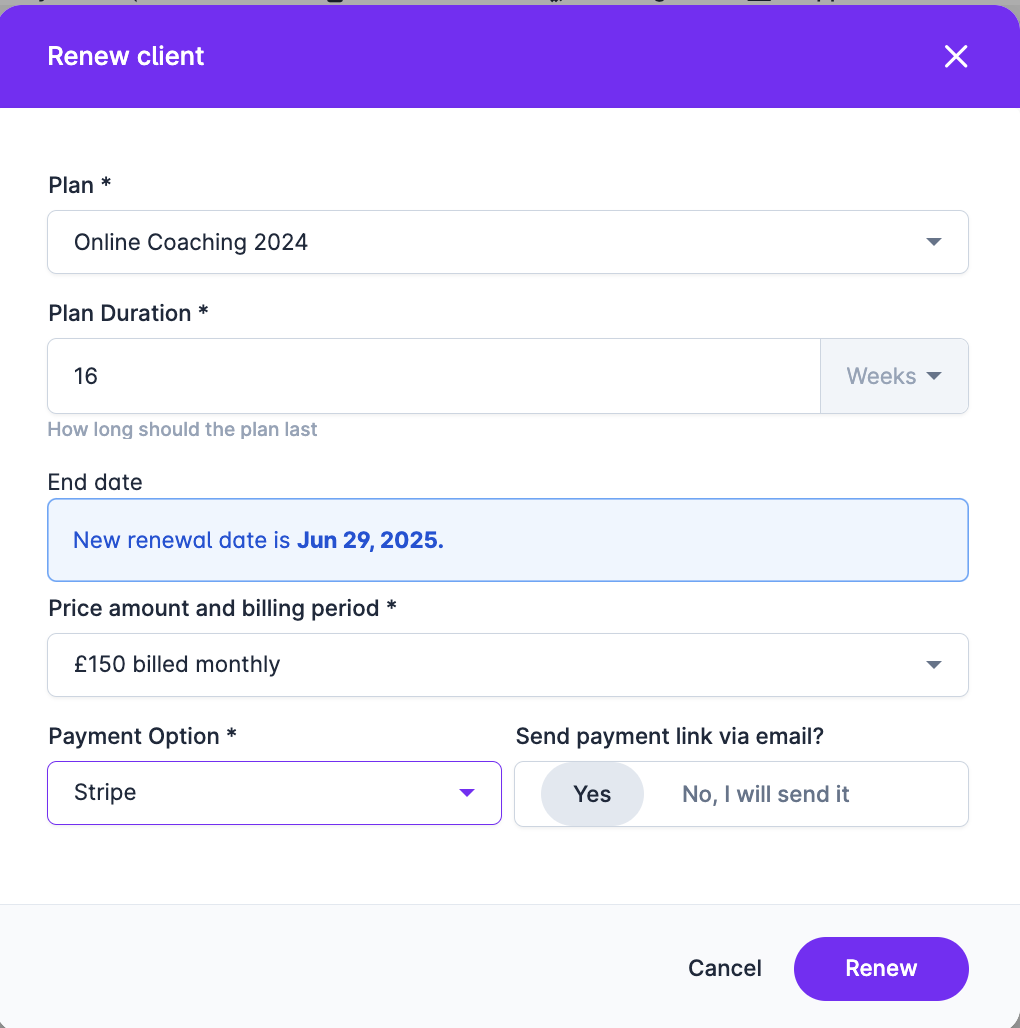
This will open a modal displaying the client's current plan.
From here, select:
The new plan for renewal
The duration
The price
The payment type
Whether you’d like us to send the payment link
If you prefer not to send it automatically, you can use the Generate Payment Link feature instead. See the article below for more details.
Can I generate payment links?
Generating payment links
Important Notes:
If you change a client's plan type and they have an active Stripe subscription (created through CoachKit), we will automatically update the subscription.
If a client is switching from offline payments to a Stripe subscription, we will create the subscription for you.
If a client already has an active subscription in Stripe, we will update it with the new details.
If a client is moving from a subscription to a one-off payment, we won't update the Stripe subscription—it will end as scheduled. However, we can send a payment link if requested.
If a client is switching from a Stripe subscription to offline payments, we won't cancel their Stripe subscription—it will simply expire naturally, and the client will retain access to their account.