
Yes, you can. We understand that nutrition isn’t one-size-fits-all, so you can set as many alternative meals for your client as needed.
Go to the meal planner
Click + Alternative Meal
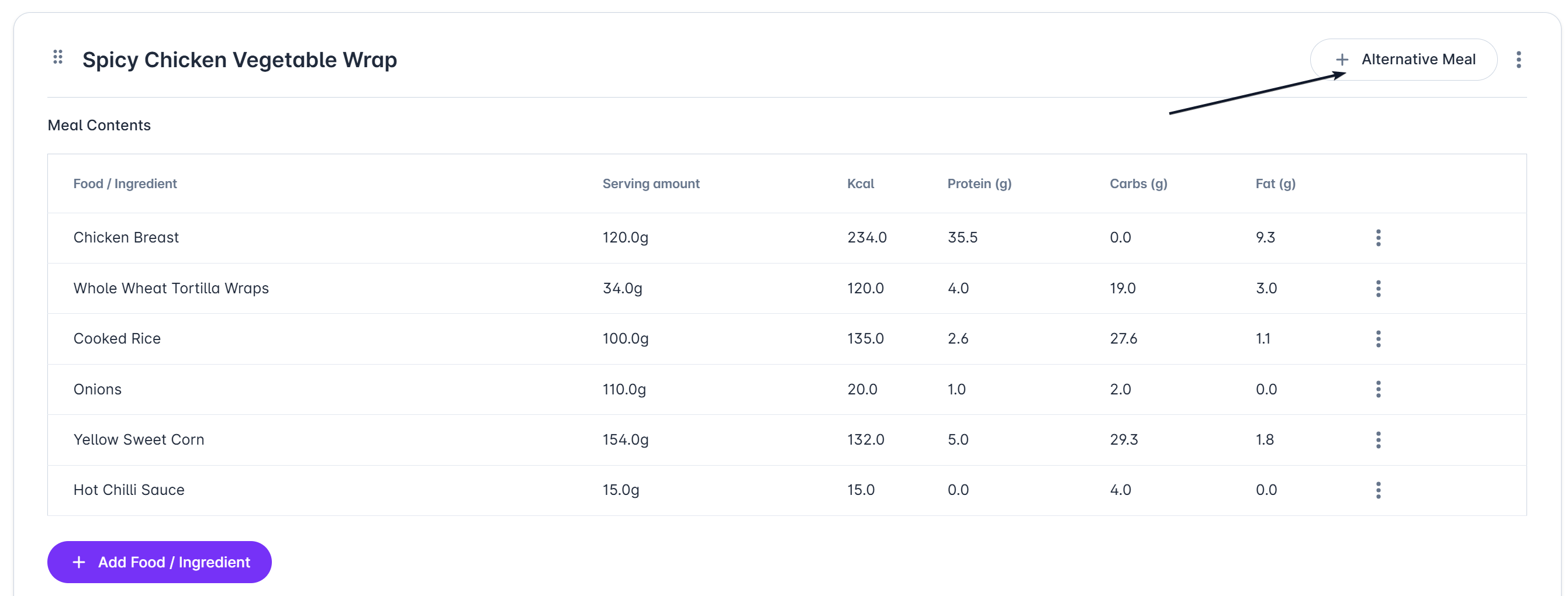
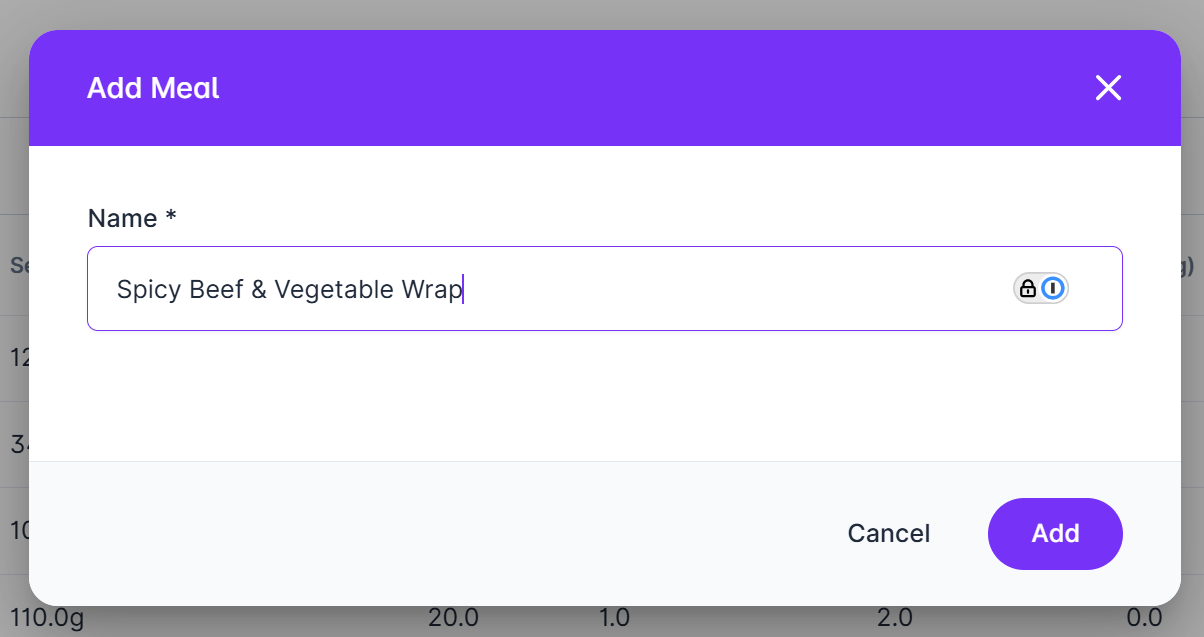
Name the alternative meal and click Add
A new blank meal will be created - add the foods / ingredients that make up your meal
You can swap meals using the dropdown (1)
Add more alternative meals by repeating the steps (2)
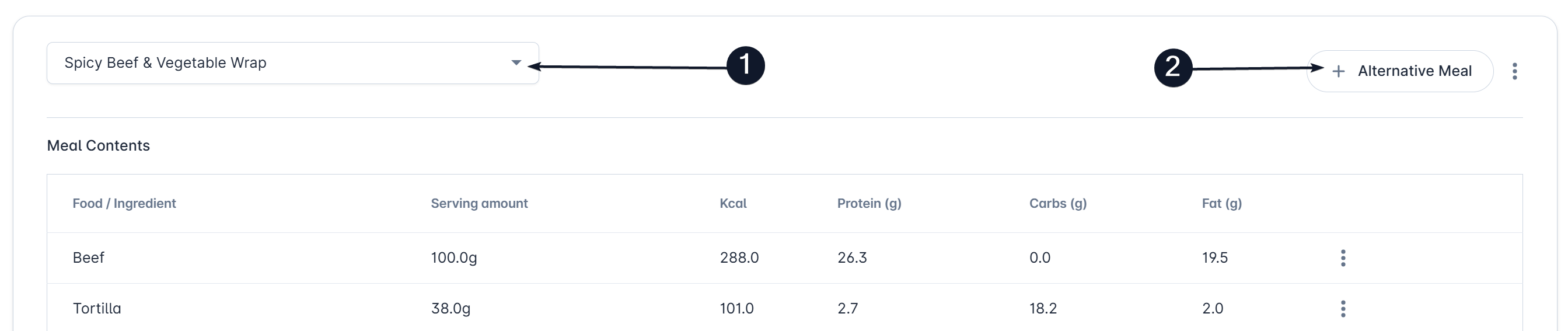
The total macros for the day will adjust based on the selected meals in the dropdown

Your client will have the option to log any of the provided meals.