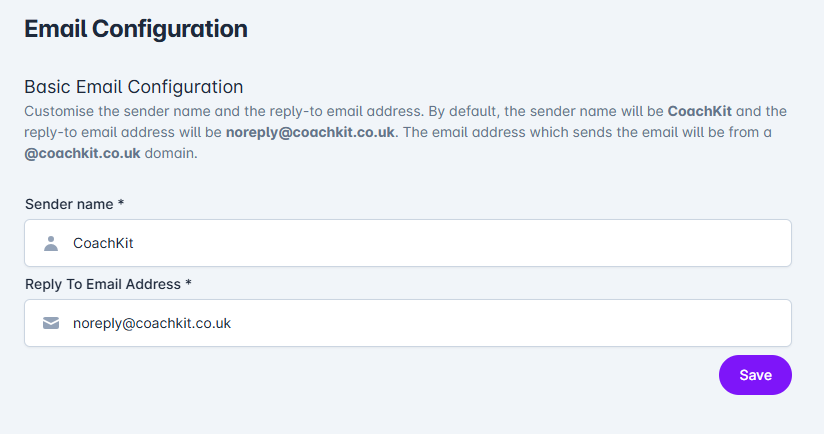
You can customise your emails with your own branding.
Your uploaded logo will automatically appear as the header image in emails. Simply ensure you've added your logo under Account > Account and Branding > Brand Information - no additional setup is required.
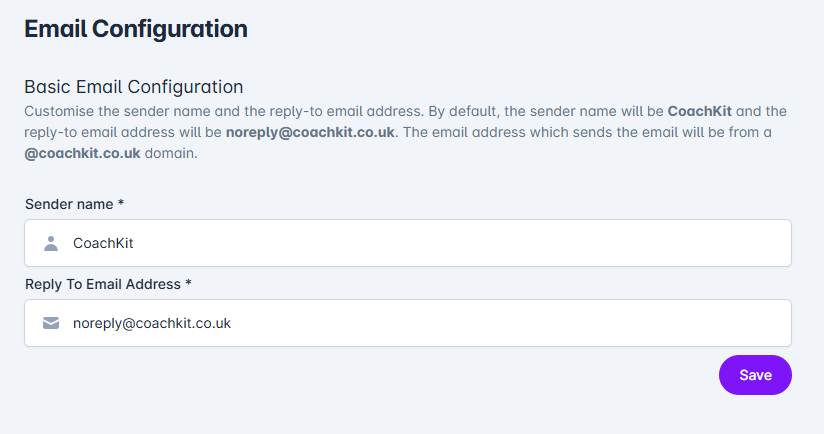
For further personalisation, you can modify both the sender name and reply-to address by navigating to Account > Email Configuration. There you can update the Sender Name and Reply To Email Address fields with your preferred information.